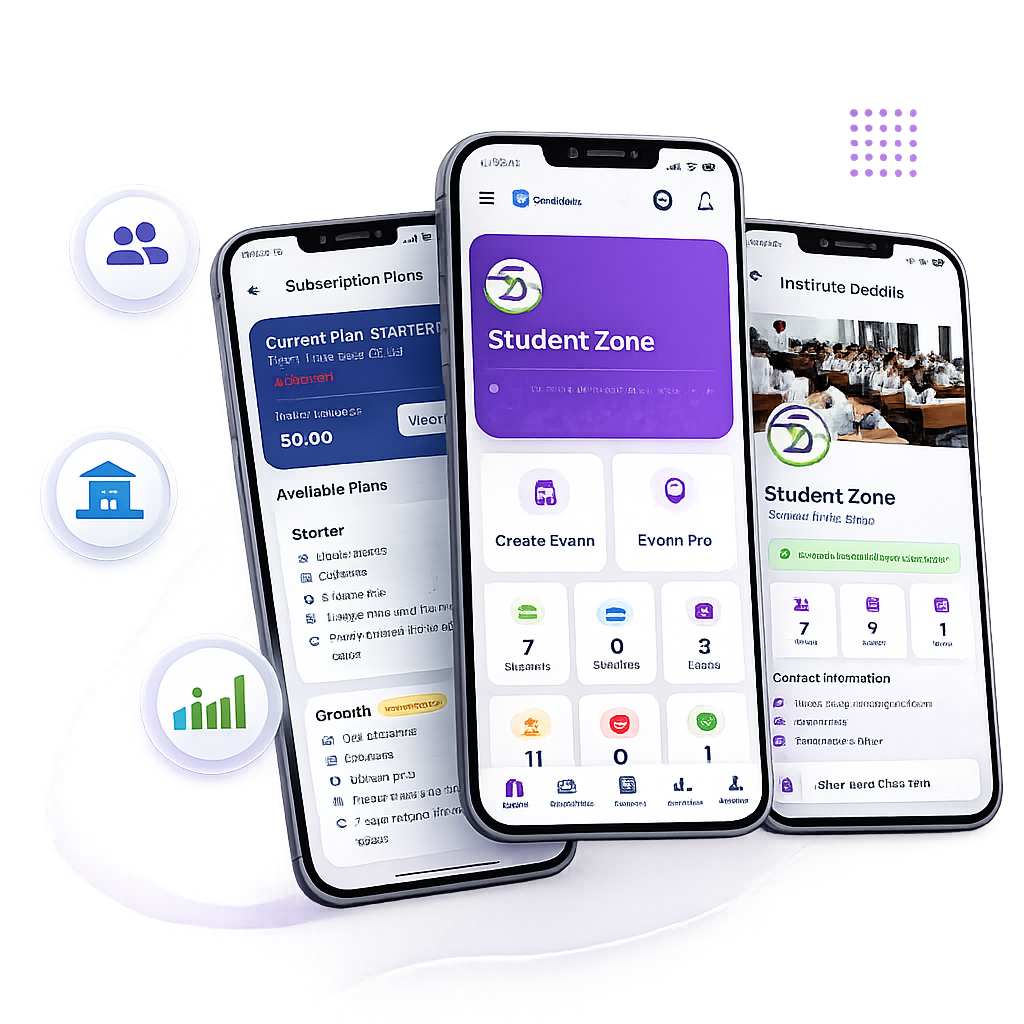
Create Exams, Upload Notes & Track Results Effortlessly
Step-by-step guide for teachers to manage assigned subjects, build MCQ & OMR PDF exams, upload study material, and analyze student performance.
Teacher Login & Portal Authentication
Faculty Portal AccessOpen Teacher Login page. Enter your email address and password provided by your institute administrator. Upon logging in, you will land on your dedicated Teacher Workspace Dashboard.
View Assigned Classes & Student Roster
Subject-Focused ScopeOn your Teacher Dashboard, you will see all classes and subjects assigned to you by the institute (e.g. Physics for 12th NEET). You can view the list of enrolled students, check attendance, and monitor overall batch statistics.
Create Online MCQ Mock Tests or Upload PDF Papers
Test Creation Engine • Automated EvaluationTeachers can create two types of tests under Exams > Create New Test:
Interactive MCQ Test
Build questions online with Options A-D, positive marks (+4), negative marking (-1), timer, and detailed explanations.
PDF/Image OMR Test
Upload question paper PDF, define OMR answer key matrix, set timing windows, and auto-evaluate student attempts.
Share Study Material, PDF Notes & Recorded Lectures
Digital Library • Classroom ContentNavigate to Study Material. Upload PDF chapter notes, formula sheets, practice worksheets, and embed video lecture links (YouTube/Vimeo). Students in assigned classes will receive immediate access on their web & mobile dashboards.
Review Student Attempts, Scorecards & Class Leaderboard
Automated Grading • Detailed AnalyticsOnce an exam window completes, open Exam Results. View auto-generated student scorecards, percentage, total correct vs. incorrect questions, time taken per question, and overall class rank leaderboards.
Empower Your Teaching with GyanRank
Log in to your teacher dashboard to create your next online test series or upload study notes.