Attempt CBT Mock Tests, Track Ranks & Learn on App
Step-by-step guide for students to join coaching institutes, attempt timed online exams, view scorecards, check leaderboards, and study on mobile app.
Create Student Account or Login via Web / Android App
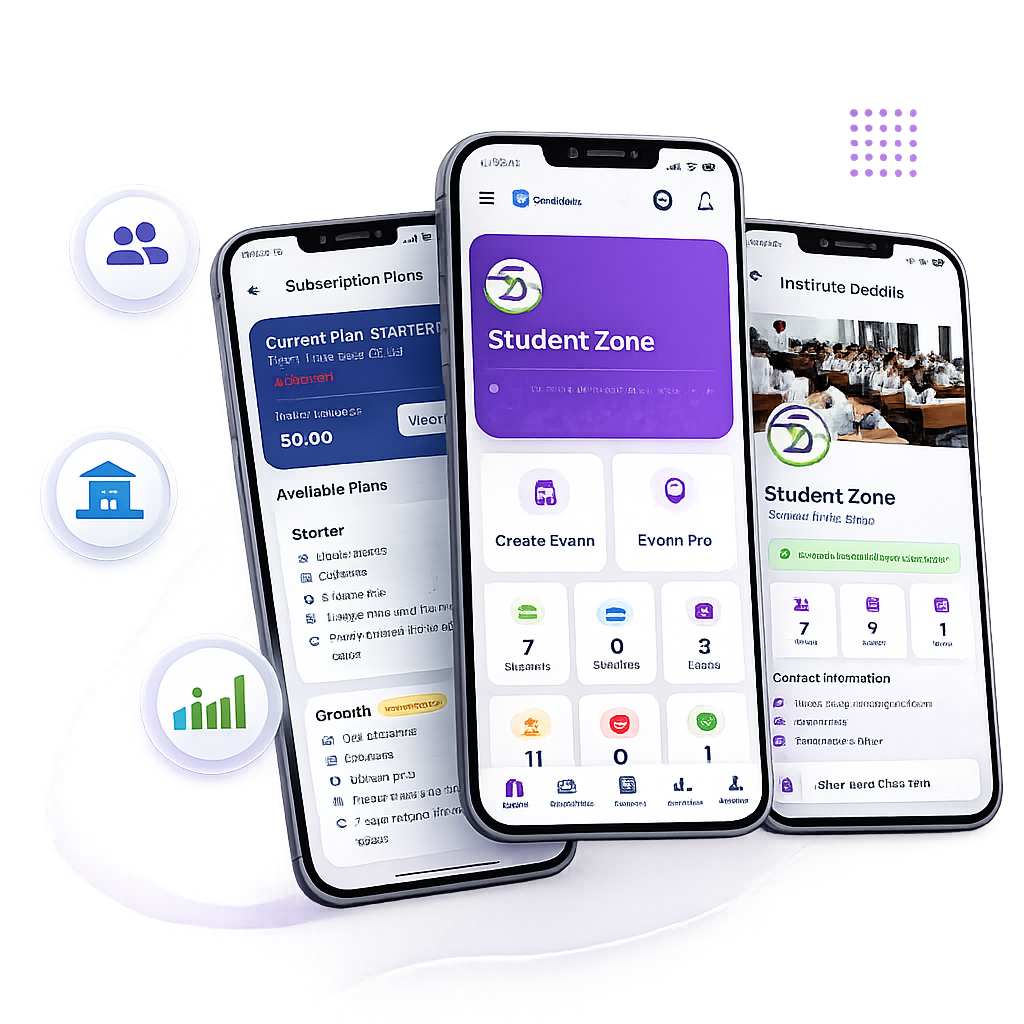
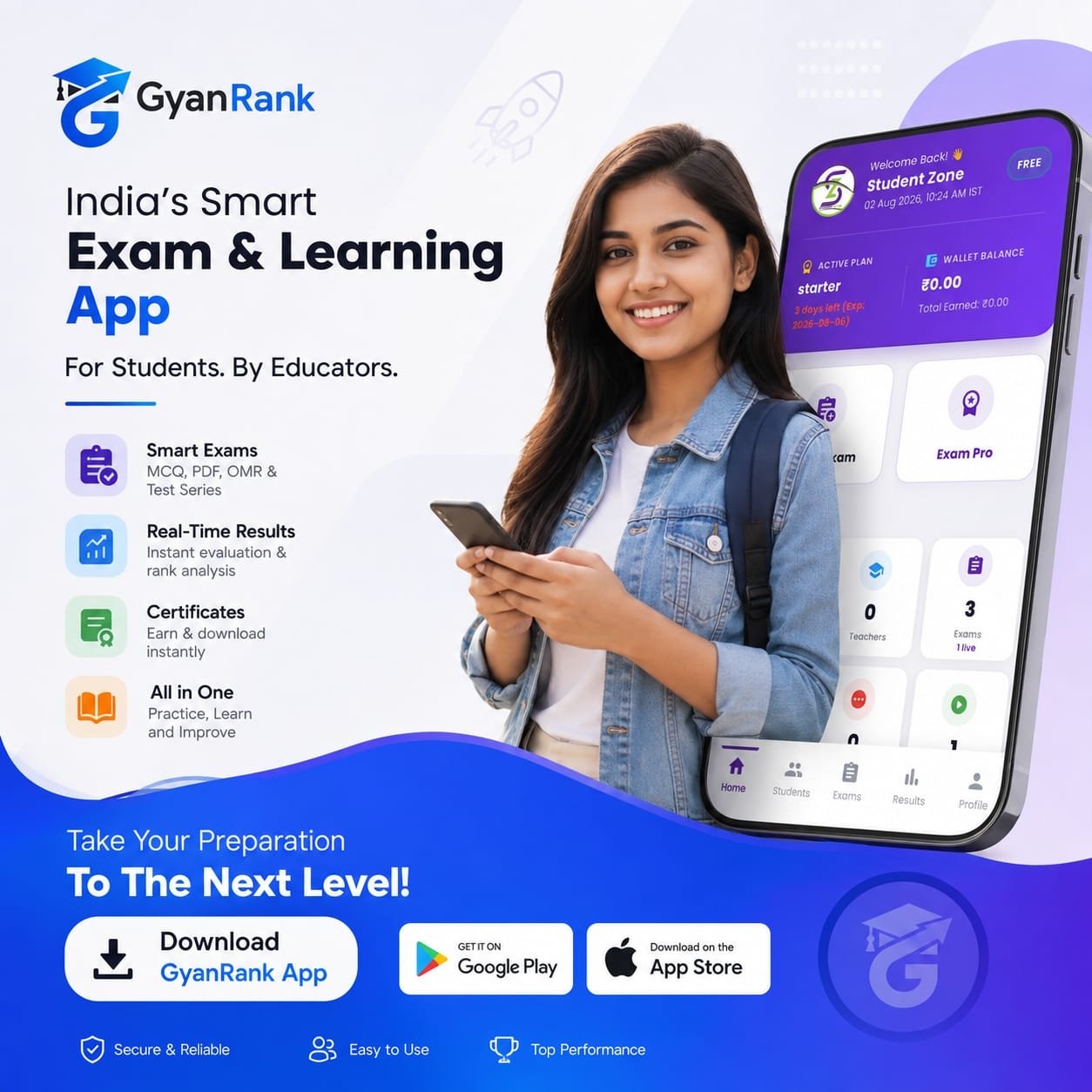
Student Registration • Free AccessRegister on Student Registration or download the official GyanRank Android App from Google Play. Enter your full name, email address, mobile number, and password.
Search Coaching Institute & Request Batch Enrollment
Institute Connection • Classroom MembershipInside your Student Dashboard, browse the Institutes Directory. Click on your coaching institute, select your targeted batch (e.g. Class 12th NEET Target), and click Request to Join. Once your institute administrator approves your request, your full course dashboard unlocks.
Attempt Live Online Exams & Practice CBT Test Series
Real Exam Engine • Anti-Cheating TimerOpen My Exams to view scheduled tests. Click Start Exam to enter the secure computer-based test interface:
- Question Palette: Navigate easily between answered, skipped, and marked-for-review questions.
- Countdown Timer: Track remaining time. Automatic submission occurs when time expires.
- PDF OMR Mode: View PDF question paper on screen while marking options A, B, C, D on the right side panel.
Check Scorecard, Peer Ranks & Detailed Solutions
Instant Feedback • Analytics & ExplanationsUpon test submission, open My Results. View your total marks, negative deductions, percentage, percentile, and Institute Rank among peers. Access question-by-question solutions with detailed explanations to improve weak areas.
Access Chapter PDF Notes, Lectures & App Notifications
Mobile Learning • Anytime AccessVisit Study Notes & Lectures to download PDF worksheets uploaded by your teachers. With the GyanRank Android App, receive instant push notifications whenever a new exam or result is published by your institute.
Start Practicing for Top Ranks Today
Create your student account or download the official Android App on Google Play.