Run Your Coaching Institute Like a Tech Giant
Master the complete A to Z workflow of GyanRank: profile branding, batch creation, teacher allocation, student approvals, and subscription management.
Register Your Institute & Activate 7-Day Free Trial
Instant Setup • No Credit Card RequiredClick on Register Institute from the top menu. Enter your official Institute Name, Contact Email, Mobile Number, and Password. Upon submitting, your 7-Day Unrestricted Free Trial will activate immediately, giving you full access to all premium SaaS features.
Build Your Public Brand Profile & Custom Web Page
Public Directory Showcase • SEO OptimizedInside your Institute Dashboard, navigate to Profile Settings:
- Upload Logo & Cover Photo: Branding displayed on student scorecards & mobile app.
- Institute Tagline & About Text: Highlight achievements, faculty credentials, & course offerings.
- Contact Details: Office address, Google Maps location, phone, & WhatsApp support helpline.
Once saved, GyanRank auto-generates a dedicated web page for your institute where prospective students can explore your details and send enrollment requests.
Create Academic Batches, Classes & Subjects
Classroom Architecture • Academic SegmentationOrganize your coaching structure systematically in the Classes & Batches module:
1. Create Batches
e.g., Class 10th Board, 12th NEET Target Batch, JEE Mains 2026, SSC CGL Batch.
2. Link Subjects
Add subjects like Physics, Chemistry, Mathematics, Biology, English, Reasoning to respective batches.
Add Teachers & Assign Subject Permissions
Faculty Delegation • Content Access ControlsNavigate to the Teachers section and click Add New Teacher:
- Enter teacher's full name, email address, mobile number, and login password.
- Assign specific subject responsibility (e.g., Physics Teacher for 12th NEET).
- Teachers get an independent login portal to create tests, upload notes, and view student attempts for their assigned subjects.
Manage Student Registrations & Approvals
Student Enrollment • Roll Number GenerationStudents can register on GyanRank via the web portal or Mobile App and request to join your institute:
Approved students gain instant access to your online exams, test series, scorecards, lecture notes, and rank leaderboards.
Subscription Plans & Account Scaling
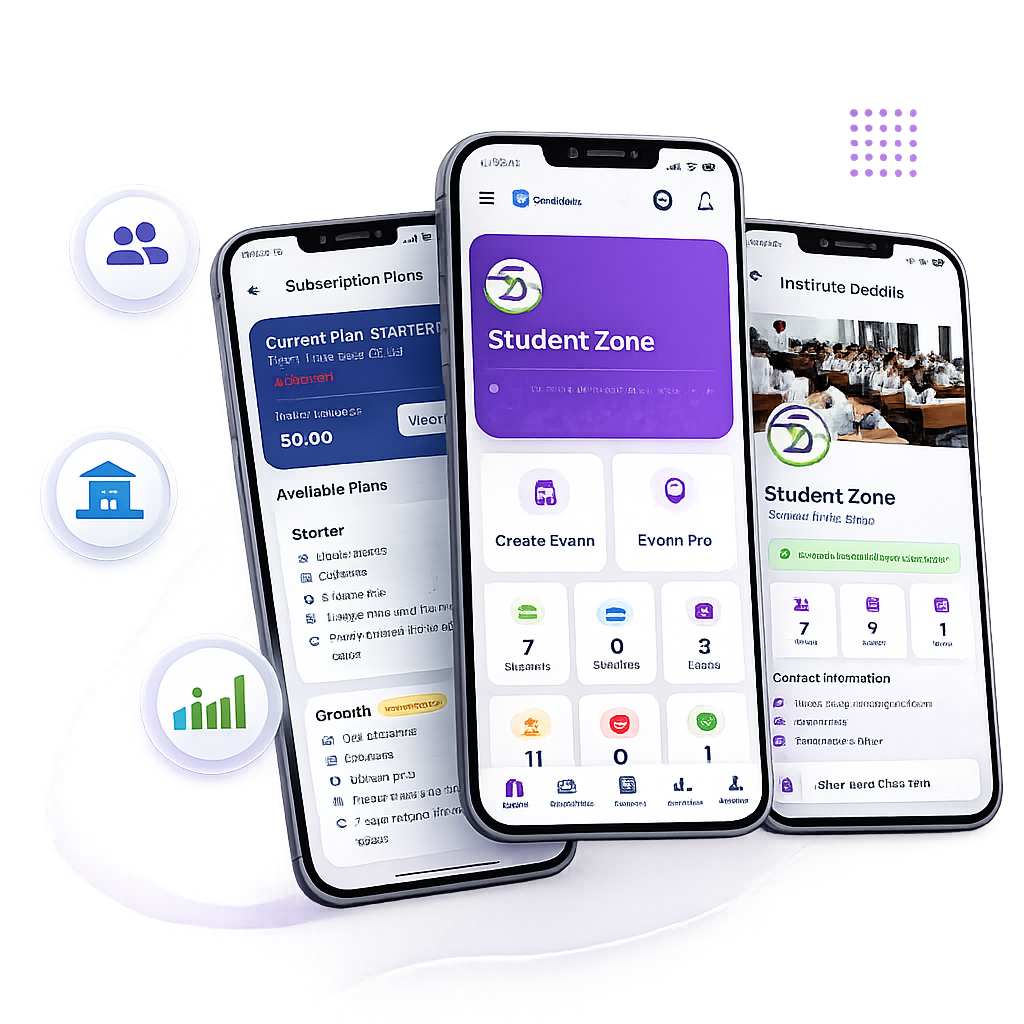
SaaS Pricing • Unlimited GrowthCheck your active trial status from Subscription & Billing. Upgrade seamlessly to Monthly or Yearly plans based on student volume and requirements:
Basic Plan
Up to 100 Active StudentsStandard Plan
Up to 500 Active StudentsPro / Unlimited Plan
Unlimited Students & ExamsReady to Launch Your Digital Institute?
Join hundreds of coaching institutes across India and automate your exam workflow today.